
Hold a key, speak, let go.
Your words are typed into whatever app you're in. HushWise turns speech into text on your own computer, so your voice and your words never leave it.
Download for free 14-day trial, every feature
For Windows 10 and 11. Also for macOS 13 or later on Apple silicon. What you need
- No account, no sign-in
- No cloud service
- No telemetry or analytics
- Works offline after a one-time model download
ToPriya
SubjectThursday's review
Hi Priya, thanks for the quick turnaround. The numbers look right to me.
A scripted demo: press and hold the keys, or focus them and hold Space. This site can't hear you. Its own rules deny it the microphone.
It types what you meant, not every sound you made.
Filler words go
“Um” and “uh” are dropped before anything is typed.
Say the punctuation and the layout
new line
,new paragraph
andquestion mark
do what they say.Change your mind out loud
scratch that
deletes the sentence you just said.
What you sayWhat's typed
An example. You say: “um, hi Priya, thanks for the quick turnaround, new paragraph, the numbers look right to me, uh, can we meet on Thursday, scratch that, can we meet on Friday, question mark, new line, thanks.” HushWise types: “Hi Priya, thanks for the quick turnaround.” New paragraph. “The numbers look right to me. Can we meet on Friday?” New line. “Thanks.”
Hold the other key and say what you want done.
Dictation is Ctrl+Win. Commands are Alt+Win (Right Command on a Mac). The pill turns brass so you always know which one you're in.
open Downloads
Apps, files, folders and websitesvolume 30
Media and volumenew tab
Window and tab shortcutsstart work
Your own multi-step commands
Teach it your words, your phrases and your tone.
A Dictionary for names and jargon. Snippets for text you type again and again. Profiles that change how HushWise writes in each app.
Formal in email, casual in chat
Each profile lists the apps it applies to, and switches by itself. You can also give an app its own language.
Sounds good, see you at 5.
Full punctuation.
The built-in Formal profile: OutlookMailGmail
Sounds good, see you at 5
No full stop at the end of a message. Question and exclamation marks stay.
The built-in Casual profile: WhatsAppSlackDiscord
sounds good, see you at 5
Also lower case. Links, email addresses and your vocabulary are never changed.
Um, sounds good, see you at 5.
Typed as heard: no filler removal and no restyling, for code, terminals or anywhere you want it untouched.
The built-in No cleanup profile: VS CodeTerminalPowerShell
Dictionary
Names, places and jargon, spelt the way you spell them. Replacements write one thing when you say another.
- Priya
- Kraków
- idli rava
- Hyderabad
Snippets
Say a short trigger, get longer text, with today's details filled in.
sign off
Thanks,{name}{date}
Placeholders: {date} {time} {clipboard} {name}
Your voice and your words never leave your computer.
Heard in memory
Audio is held in memory while you hold the key, and only then.
Turned into text, then discarded
No audio file is ever written to disk.
Four reasons to go online, and no others
None of them sends your voice, your words or your history.
You can check
Settings → Privacy shows a “100% offline” badge and a list of every connection it has ever made.
It speaks your language, and reads your recordings.
99 languages with Whisper
Dictate in the language you think in, or let HushWise detect it. On supported models you can also translate to English as you speak.
- English
- Hindi
- Telugu
- Tamil
- Kannada
- Malayalam
- Marathi
- Bengali
- Spanish
- French
- German
- Portuguese
- Japanese
- Chinese
- and 85 more
How are you?
Transcribe audio and video files
Drop in a recording and get .txt, .md, .srt or .vtt. The queue runs in the background and pauses while you dictate, because dictation always comes first.
Rewrite selected text by voice Optional
Select text in any app, hold the command key and say what to do. A local AI rewrites it in place, and Undo brings the original back.
Off by default. It needs Ollama and a model of about 2.5 GB, and talks only to 127.0.0.1, which is your own computer.
make this more formal
fix the grammar
turn this into bullet points
translate this to Hindi
A speech model picked for your machine.
On first run, a setup guide of about two minutes checks your hardware, recommends a model, downloads it once and gives you a practice box. You can change the model any time.
Parakeet and Moonshine don't use the vocabulary list. Only Whisper large-v3 and medium can translate.
What are you running?
Whisper large-v3 turbo
- Download
- 1.6 GB, once
- Languages
- 99
- Runs on
- Your graphics card. An optional 1.3 GB NVIDIA GPU pack speeds up the big models.
NVIDIA Parakeet
- Download
- About 660 MB, once
- Languages
- English, or 25 European languages
- Runs on
- Your processor. For other languages, HushWise suggests Whisper small.
Moonshine
- Download
- About 290 MB, once
- Languages
- English
- Runs on
- Your processor. For other languages, HushWise suggests Whisper base.
Whisper large-v3 turbo
- Download
- About 870 MB with 8 GB of memory or more, 260 MB with less
- Languages
- 99
- Runs on
- Apple silicon's graphics cores.
All the models: Whisper large-v3 turbo, large-v3, Distil large-v3.5, medium, small, base and tiny; NVIDIA Parakeet; Moonshine. About speech models
A quiet window, built around your words.
Real screens from HushWise 2.1.2. Light and dark themes follow your system, everything works from the keyboard, and text contrast meets WCAG AA.
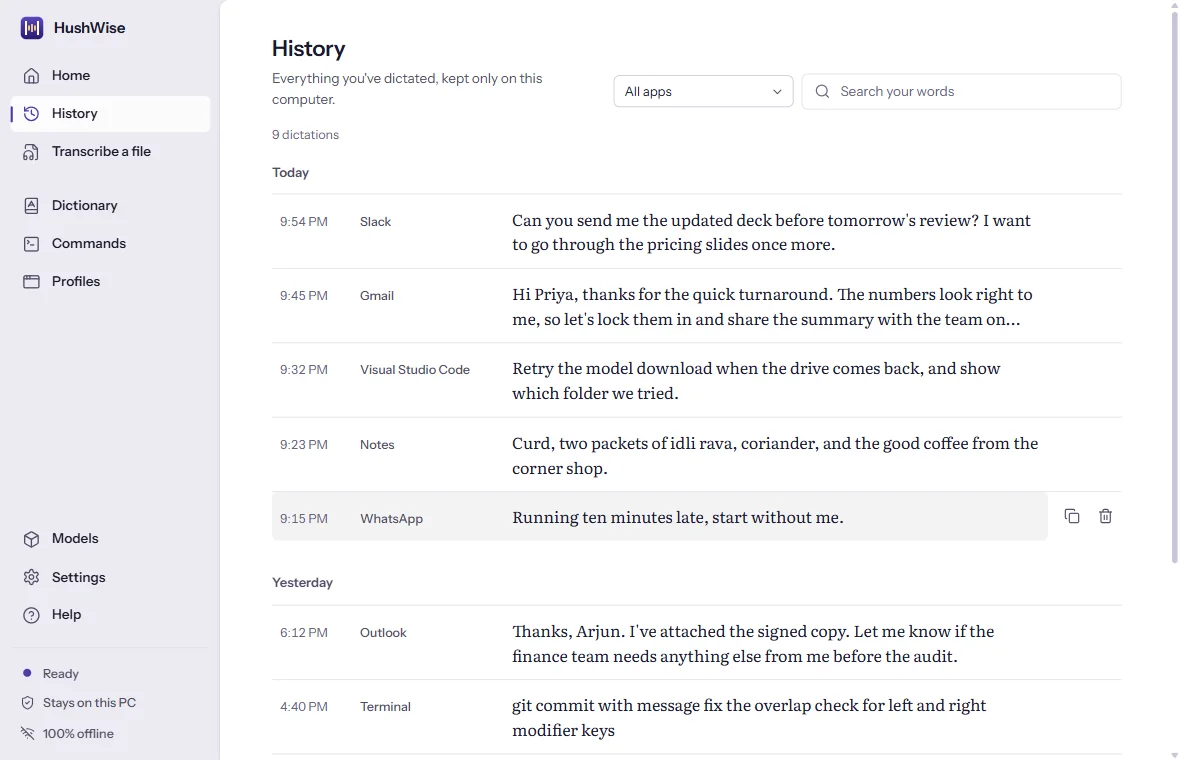
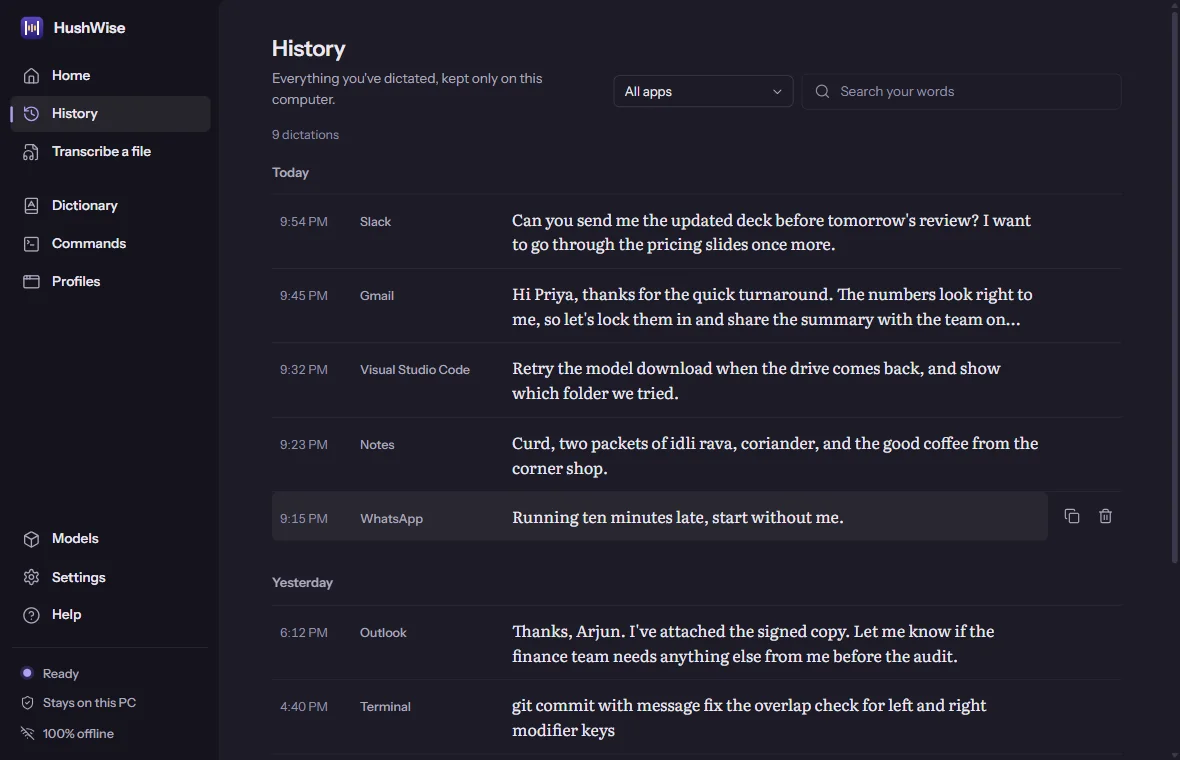
History
Everything you've dictated, searchable, kept only on your computer. Keep it forever, for a number of days, or not at all.
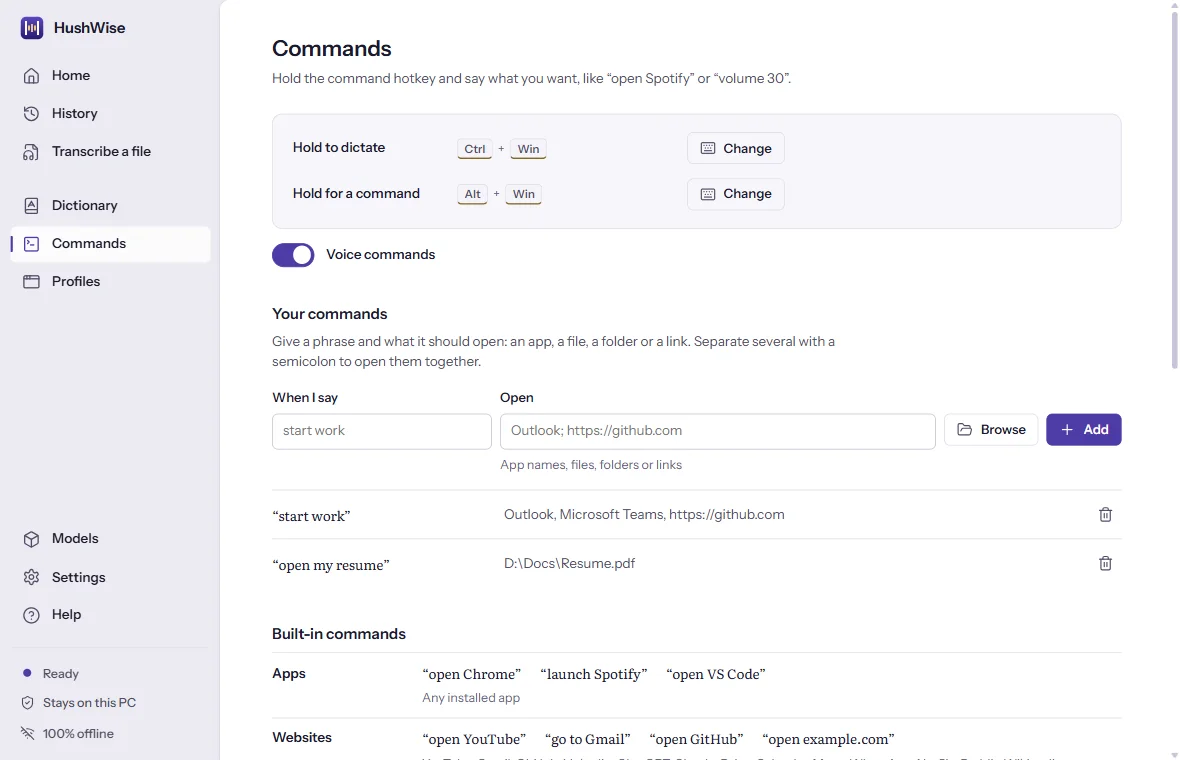
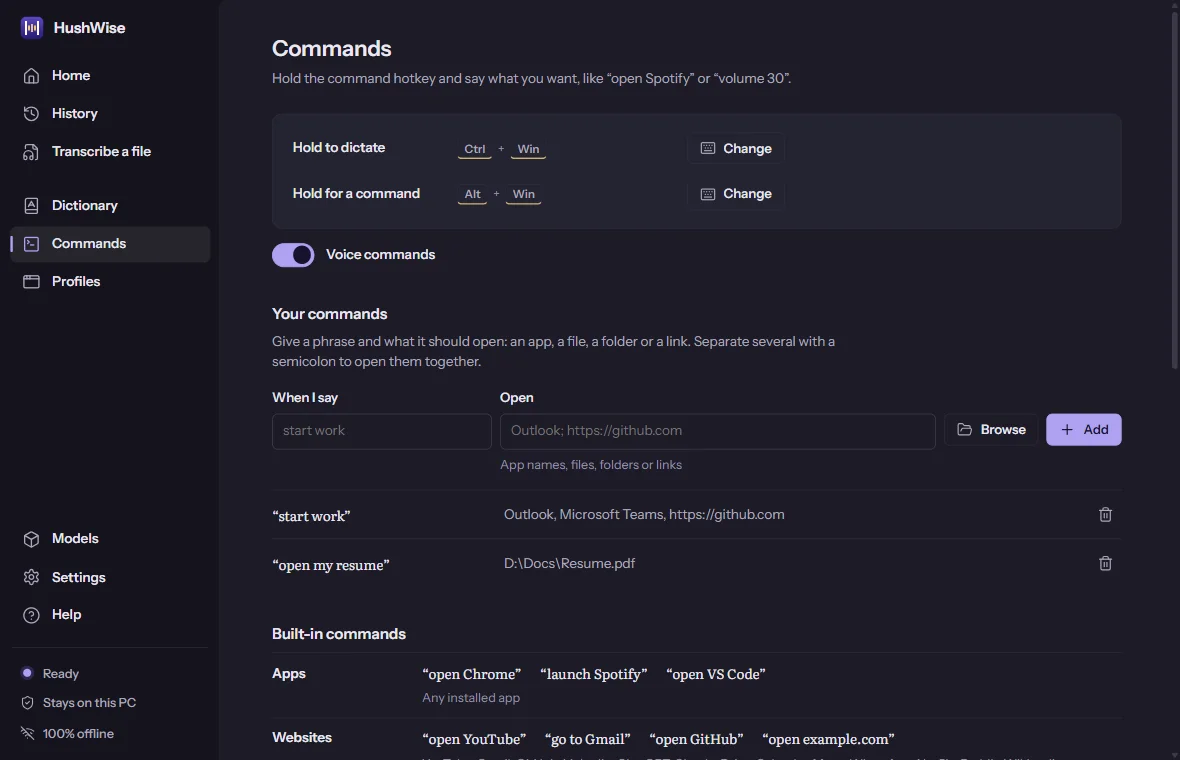
Commands
Built-in commands and your own. One phrase can open several apps, files, folders and links together.
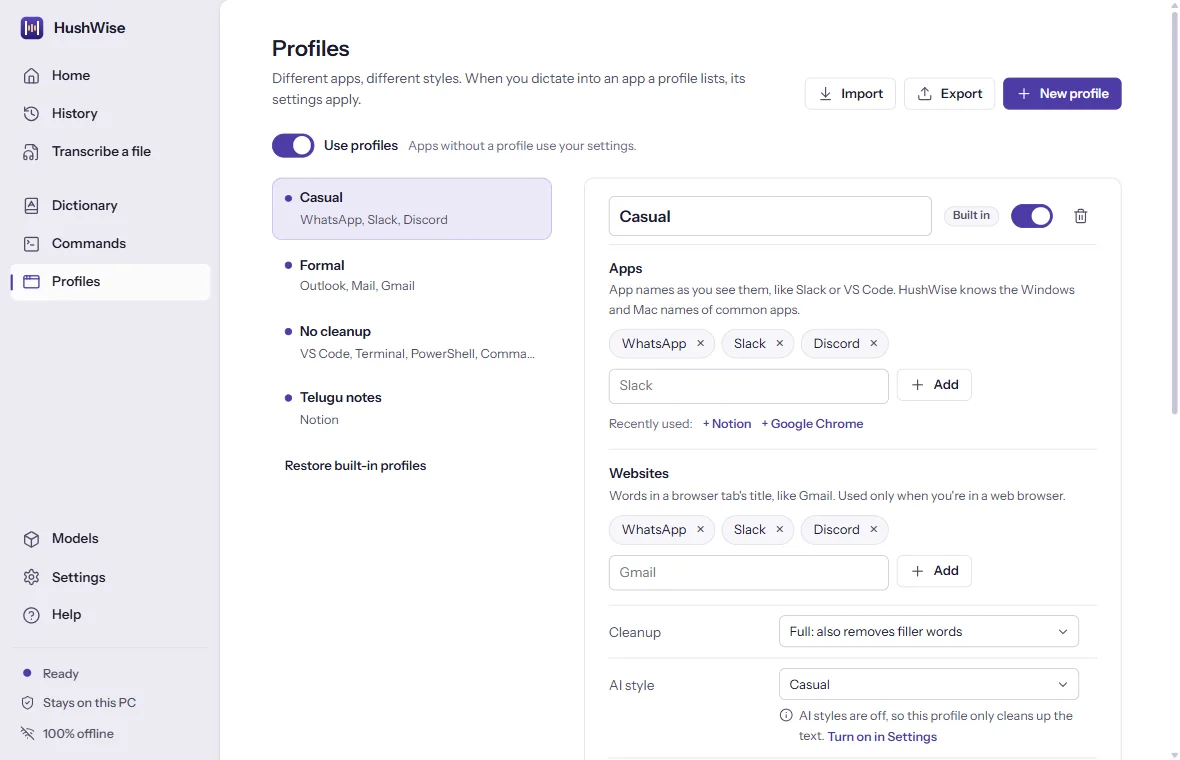
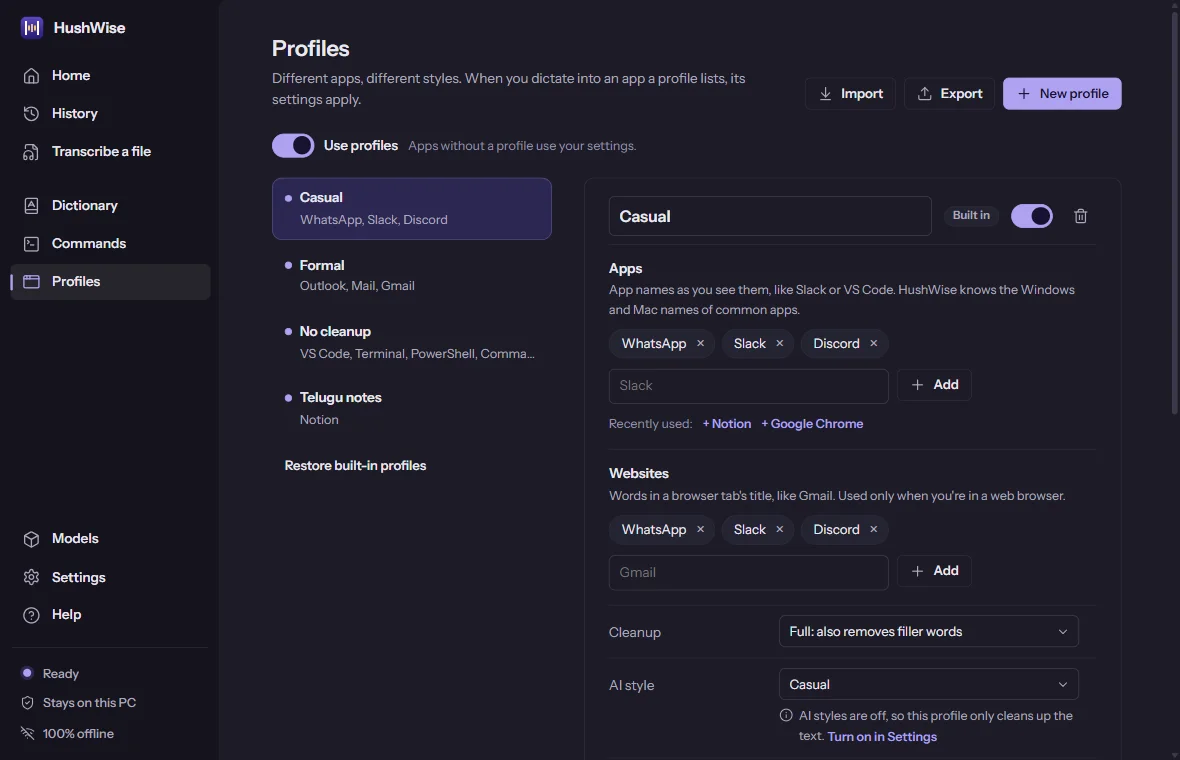
Profiles
A style, language or cleanup level for each app or website. It switches by itself.
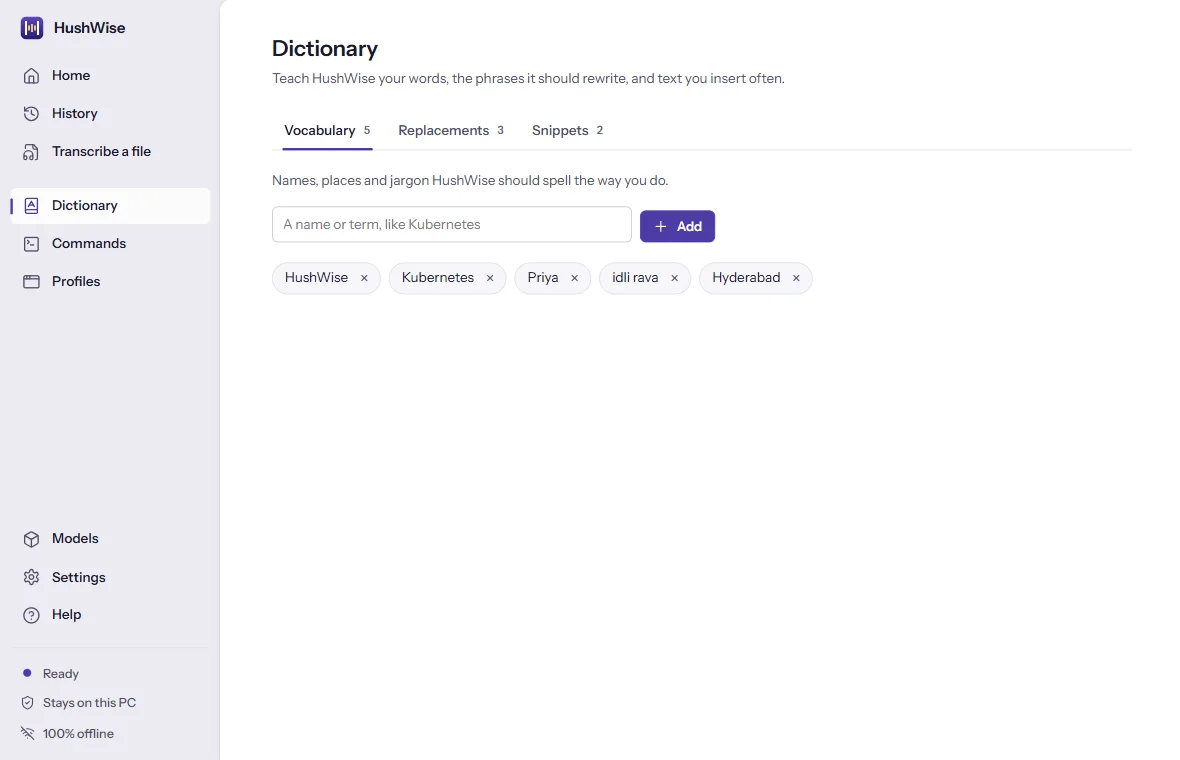
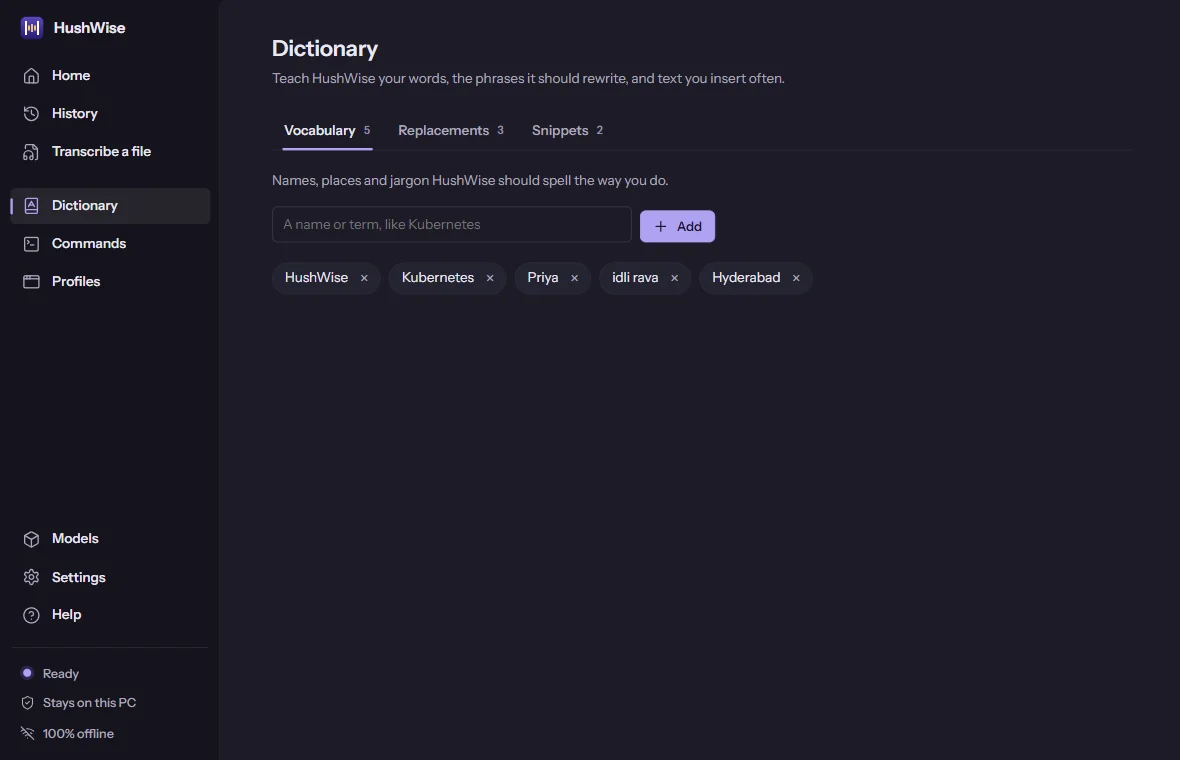
Dictionary
Vocabulary, replacements and snippets in one place.
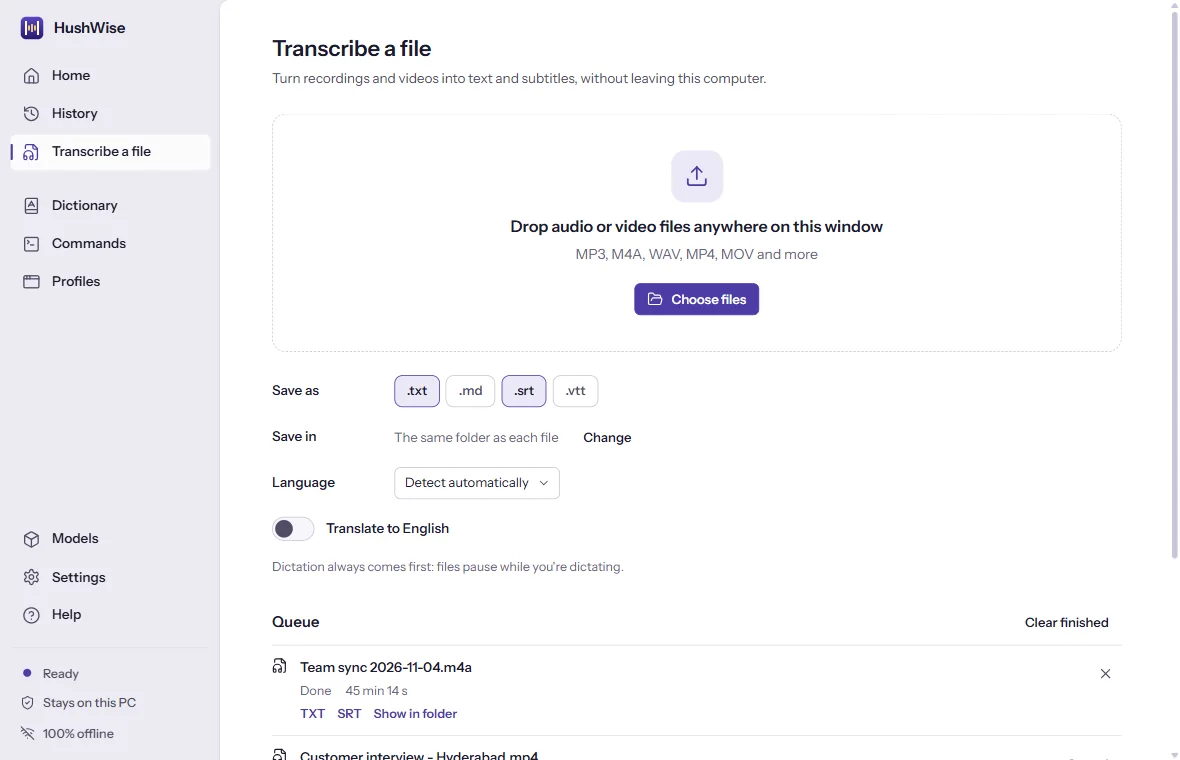
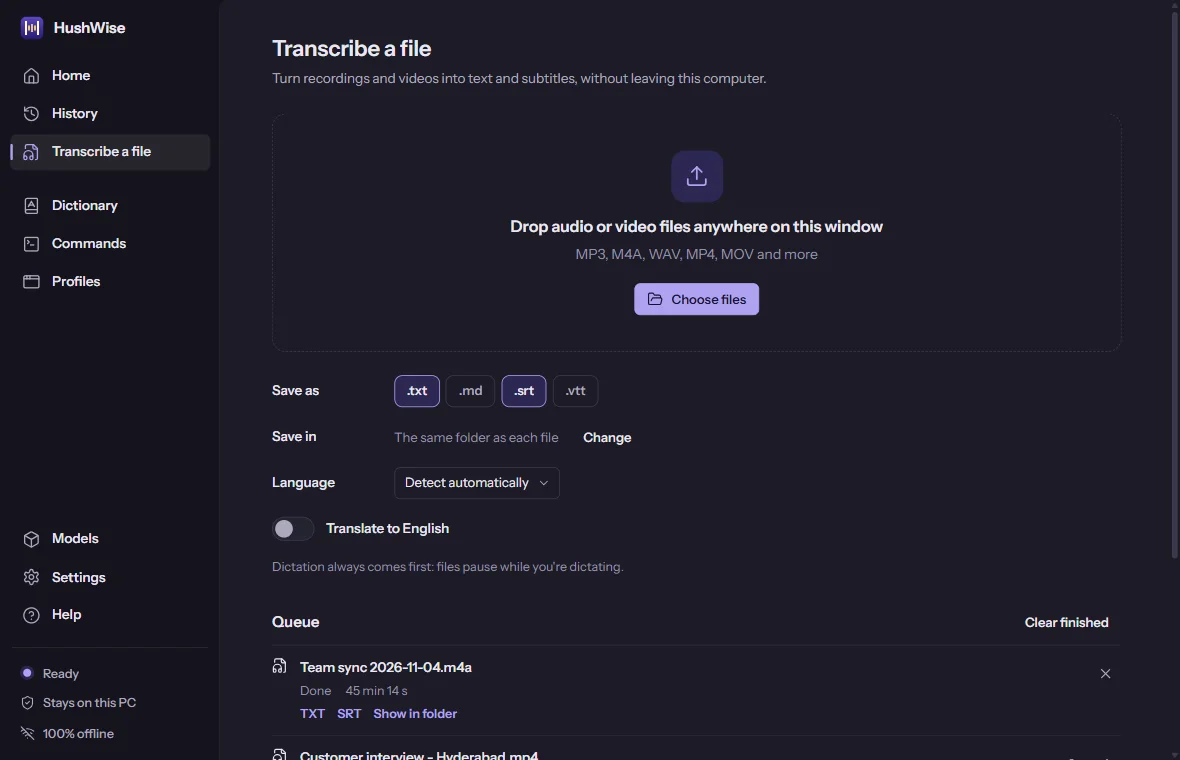
Transcribe a file
Recordings and videos become text or subtitles in a background queue.
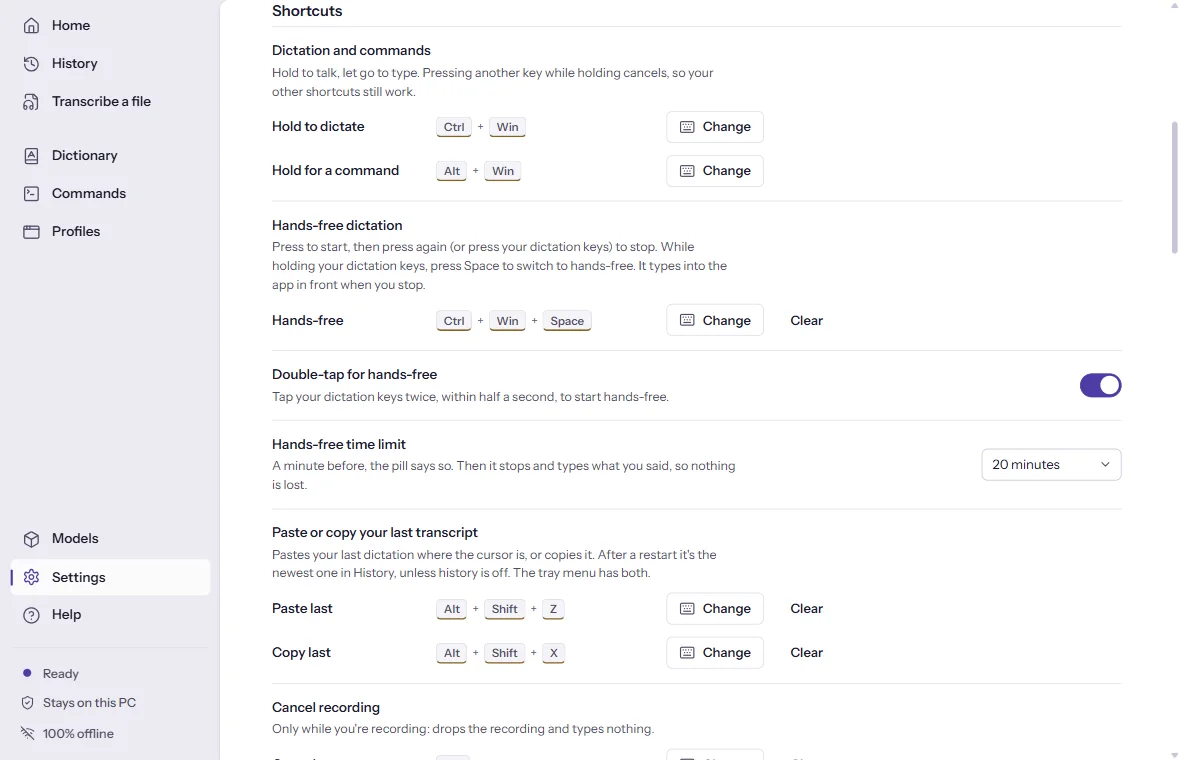
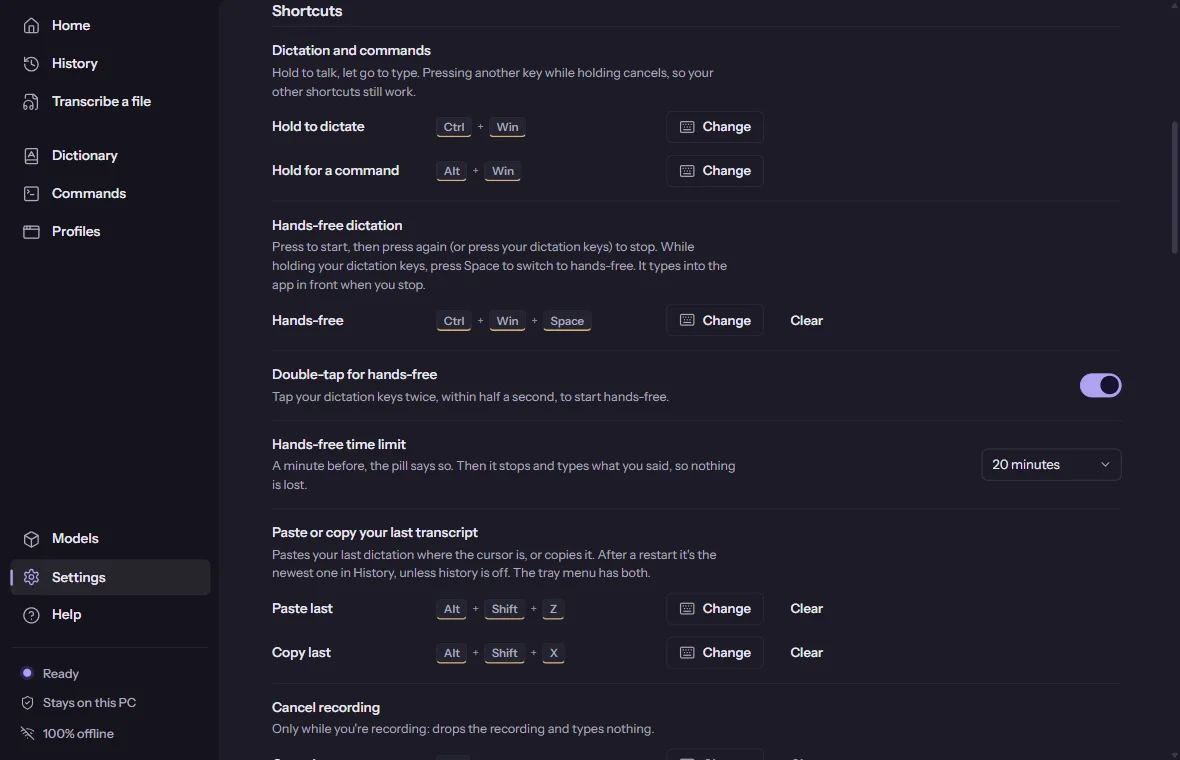
Shortcuts
Every shortcut is yours to change, with a clear message when two would clash.
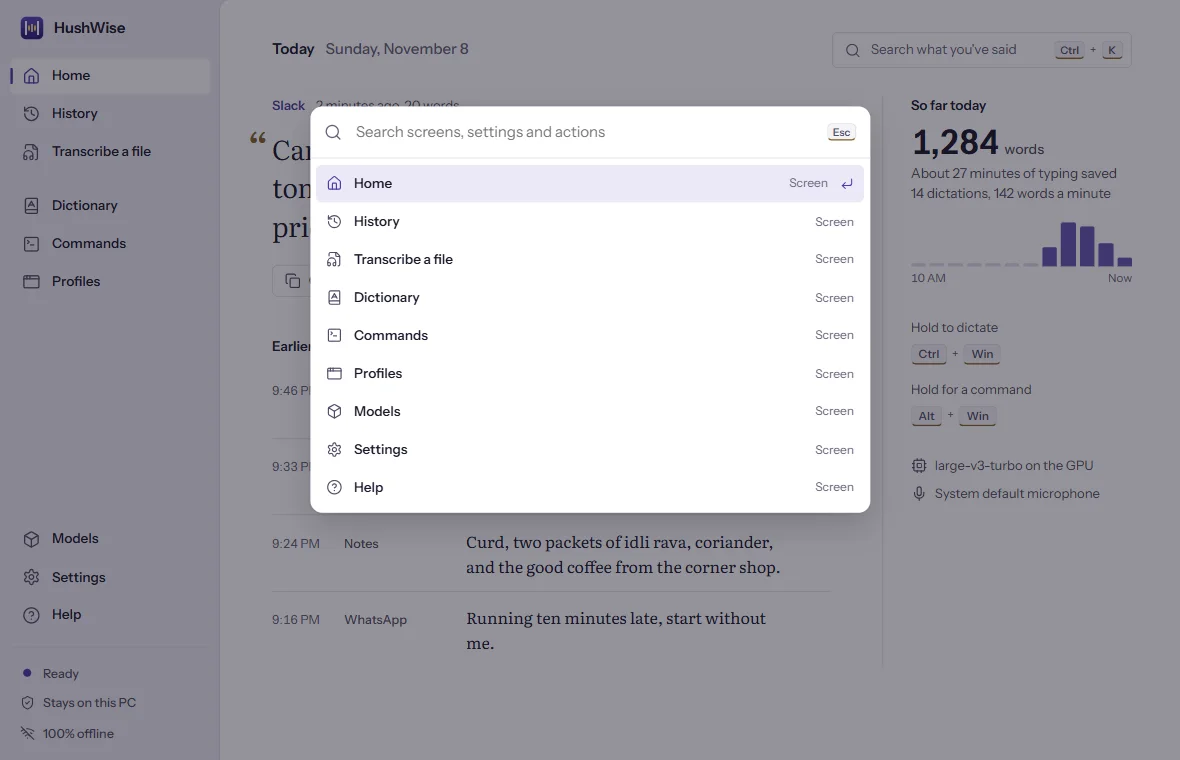
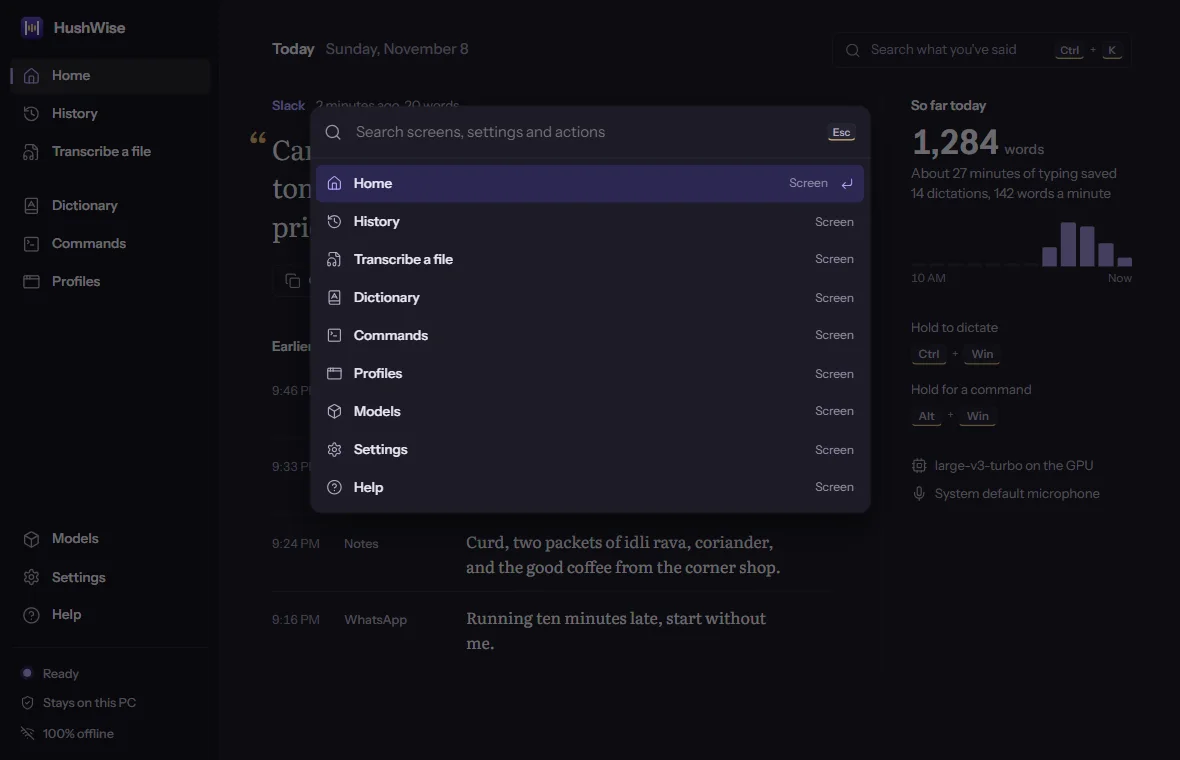
Command palette
Ctrl/Cmd + K searches screens, settings and actions.
Try all of it for 14 days. Then buy it once.
The trial has every feature, needs no account and no card, and never goes online. After that it's a one-time purchase, not a subscription.
- One licence
- Windows and Mac, on up to 3 computers. Deactivate a computer to move the licence.
- Updates
- Free within version 2.
- After activation
- It works offline forever.
- Price
- $39.99, down from $59.99 until 30 November 2026